Pick the homepage style that feels like your school
Here are four complete homepage designs, shown with a made-up sample school. Open any of them to click around on a computer or phone. We build the one you like with your own name, logo, colors, photos and news.
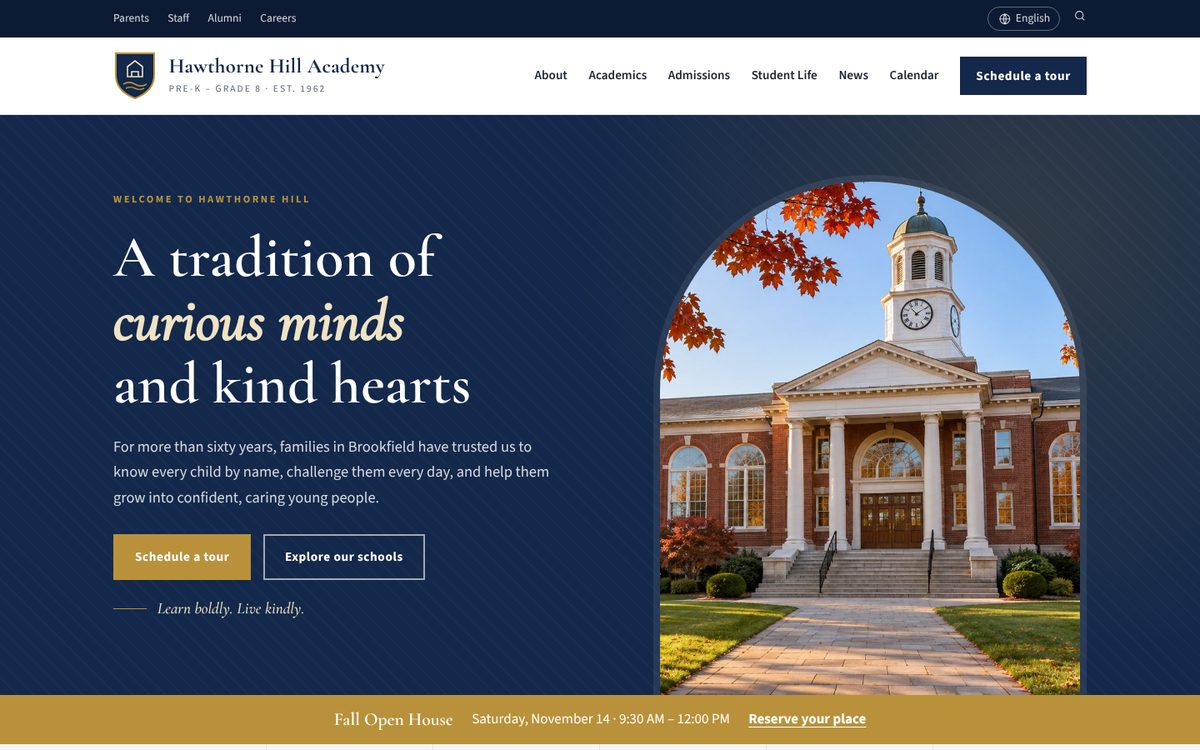
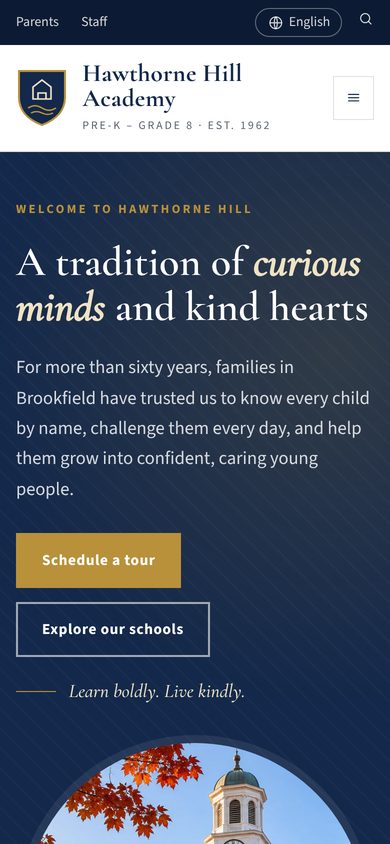
Classic
Navy and gold with an elegant serif and a school crest. It feels established and trustworthy, like a school with a long history.
Best for: independent, Catholic and established schools
Open live demo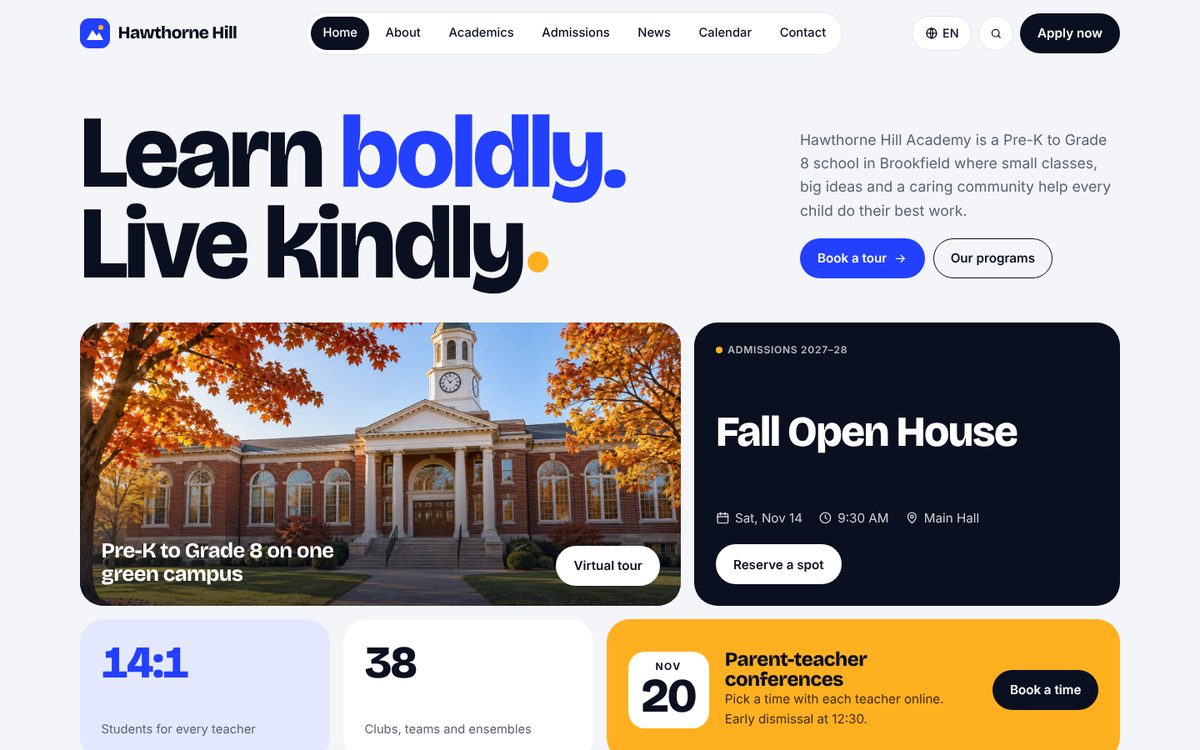
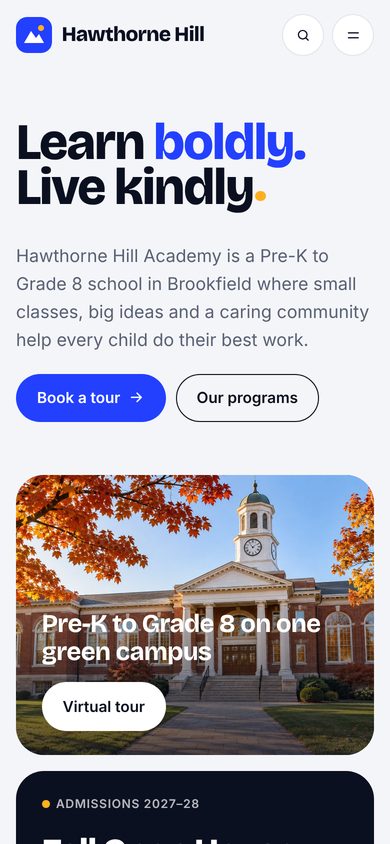
Modern
Big, bold headlines and clean tiles that put this week’s events right at the top. It feels fresh, fast and easy to use on a phone.
Best for: charter, STEM and growing schools
Open live demo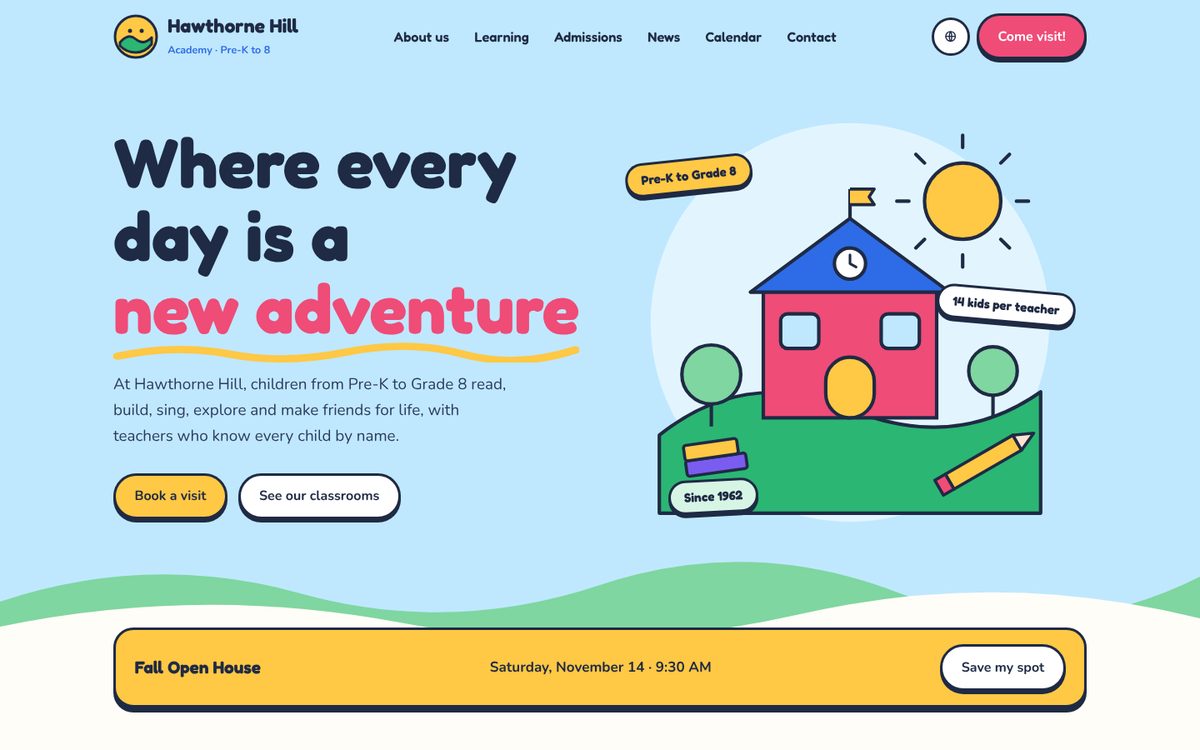
Playful
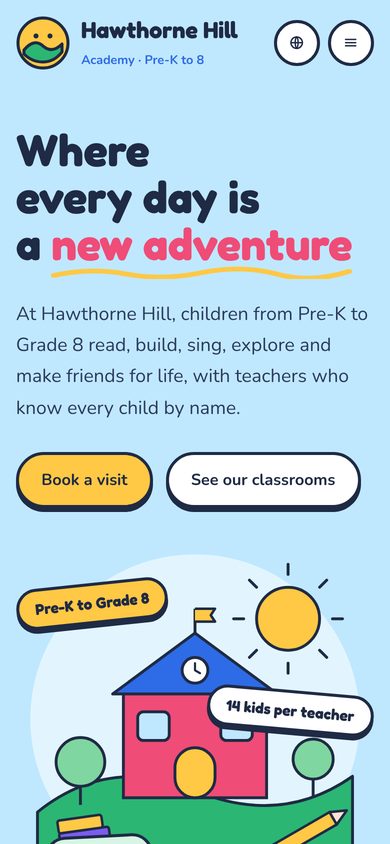
Sunny colors, rounded shapes and friendly drawings. It feels warm and welcoming to young children and their families.
Best for: elementary schools, Montessori and early learning centers
Open live demo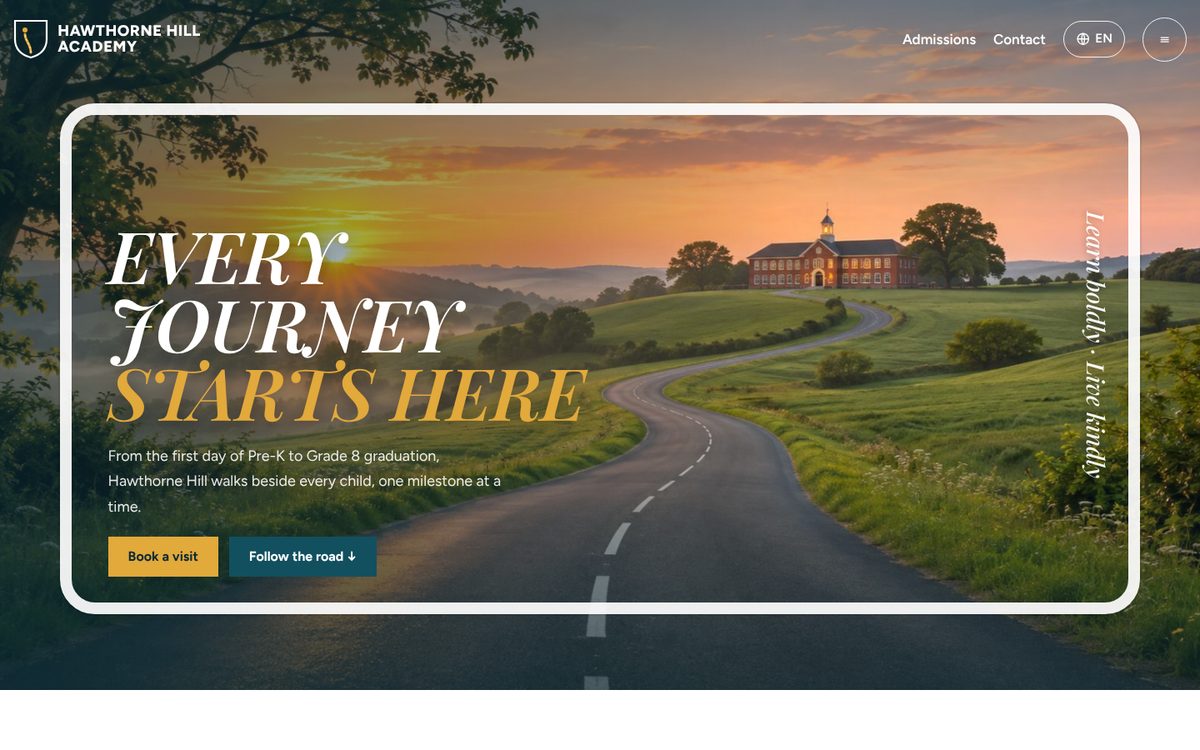
Journey Road
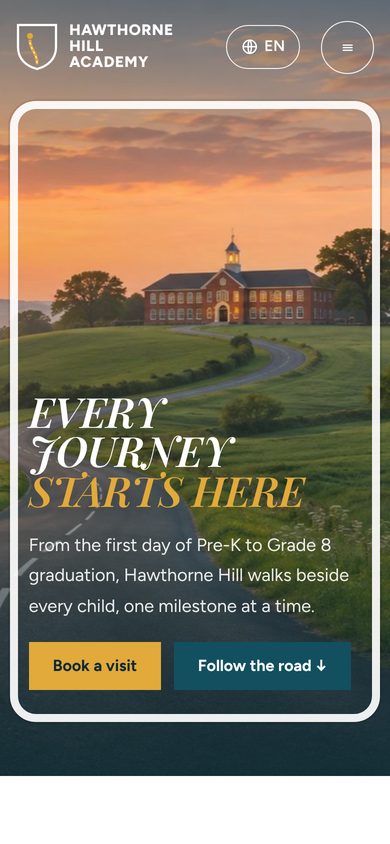
Your school story told as a road. As visitors scroll, a little runner travels past signs for each stage, paints the road gold and breaks the ribbon at graduation.
Best for: K–8 and K–12 schools that want to stand out
Open live demoEvery style includes
Looks great on phones
Most parents visit on a phone, so every page is built for small screens first.
A language switcher
Families can read the site in the language they speak at home.
Staff can update it
Your office staff post news, events and photos themselves, with simple editor roles.
Calendar and news
Upcoming events, a news page and a photo gallery, always kept current.
Your colors and logo
Each style takes on your school colors, crest, photos and motto.
Secure staff login
Only the people you choose can sign in and make changes.
How it works
Pick a style
Tell us which design you like best. You can also mix ideas from two of them.
Share your content
Send your logo, colors and a few photos. We can bring over the text from your current site.
Review and go live
You look through the finished site and ask for changes before it goes live on your web address.
Which one feels right for your school?
Just reply to our email with the name of the style you like, or write to us at the address below. We would be glad to show you how it would look with your own school’s name and colors.
emil@minaapplab.com